2 Getting Started
NEW!
Zotero 7 released August 2024!
Read about what changed here.
If you’re already running Zotero, you can upgrade from within Zotero by going to Help → “Check for Updates…”
2.1 Download & Install Zotero
Step 1: Download & Install Zotero
Go to the Zotero website and download the program.
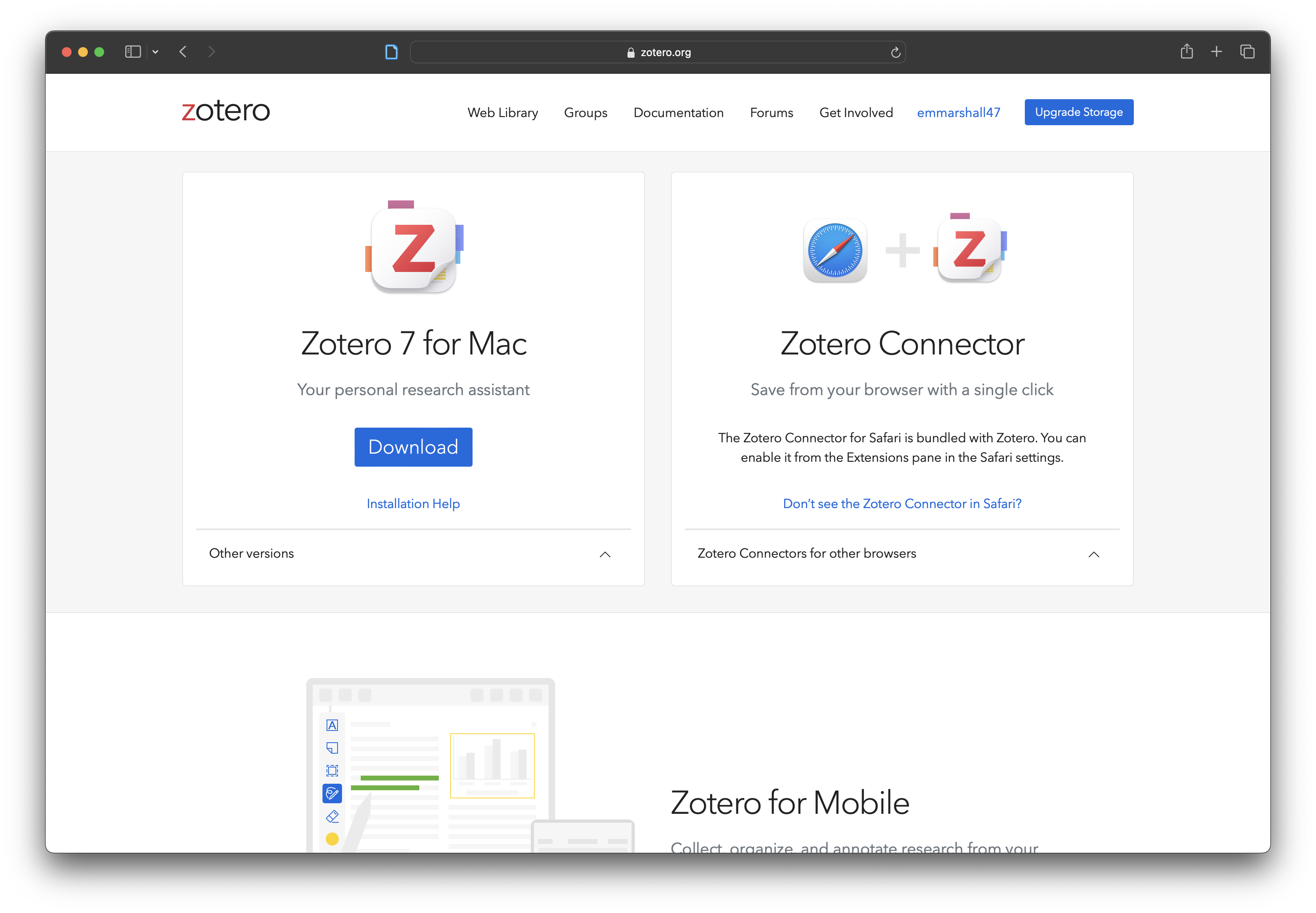
It should automatically detect your operating system and suggest the browser connector for the program you are using to access the website.
Step 2: (Optional) Install (preferred) Internet browser extension
Step 4: (Optional) Set-up & configure Google Docs, Word, or Rstudio integration
2.2 Need help?
Zotero has extensive online documentation that can help you with specific questions or issues.
You might also want to check out the Zotero Quick Start Guide. It likely has an answer to your question!
Tip
If for some reason you cannot or refuse to download the Zotero program, ZoteroBib offers a free in-browser solution to creating a bibliography.